
Akeye · Custom
Your way of working deserves a better home.
Start with the people, information and daily tasks you already manage. Shape a connected workflow with Akeye’s existing tools, and check the fit before adding complexity.
Let’s talk about your workflowYour organization, your workflow
For service teams and organizations whose daily work doesn’t fit neatly into one template. Vehicle and maritime workflows are examples to discuss, not guaranteed turnkey products.

Inside Akeye
A closer look
The tools behind the workflow
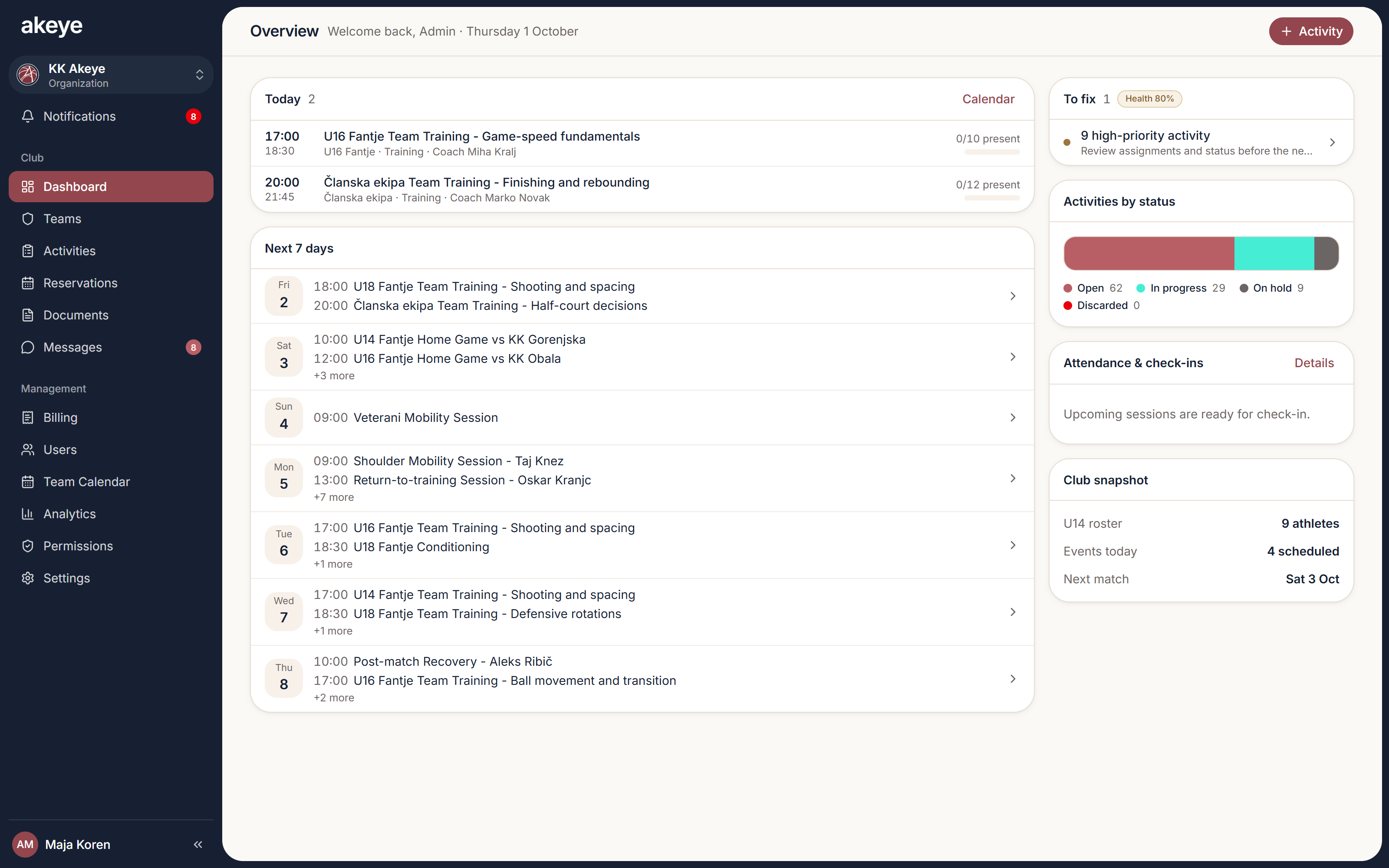
- Organization structure and roles
- Configurable data fields
- Activities and checklists
- Shared calendars
- Team communication
- Reservations where supported
FLEXIBLE BY DESIGN
Akeye adapts to your business — not the other way around.
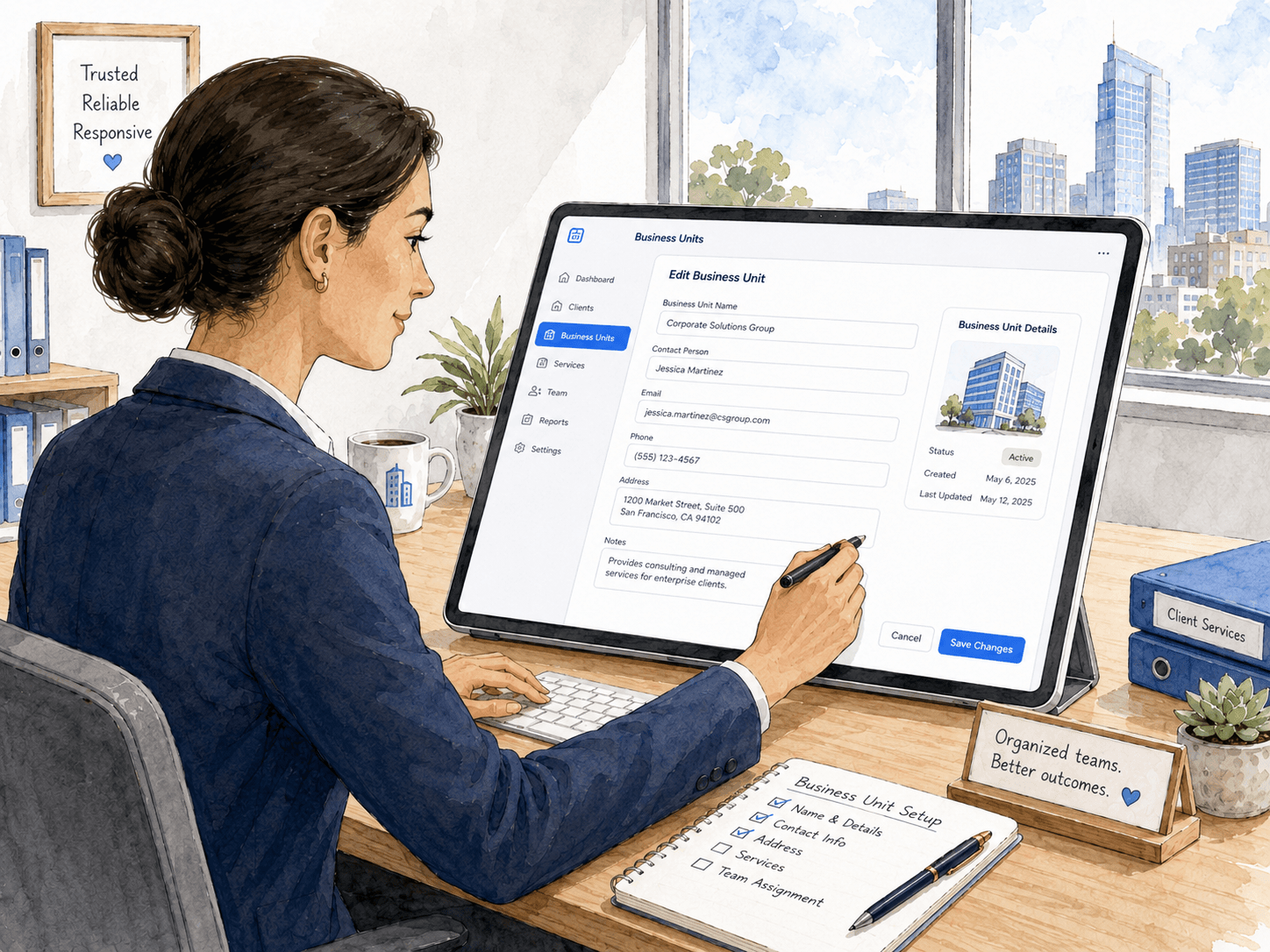
Define exactly which data matters for every unit you manage. Create your own fields for athletes, properties, vehicles, customers, rooms, projects, or anything else — without changing code.
- Jersey number
- Medical expiry
- Room capacity
- Contract status
- Vehicle mileage
- Anything you need
Use cases
Explore focused workflows
Explore the details behind these real-world scenarios.
BUSINESS SERVICES use case
Run client and service operations from shared context
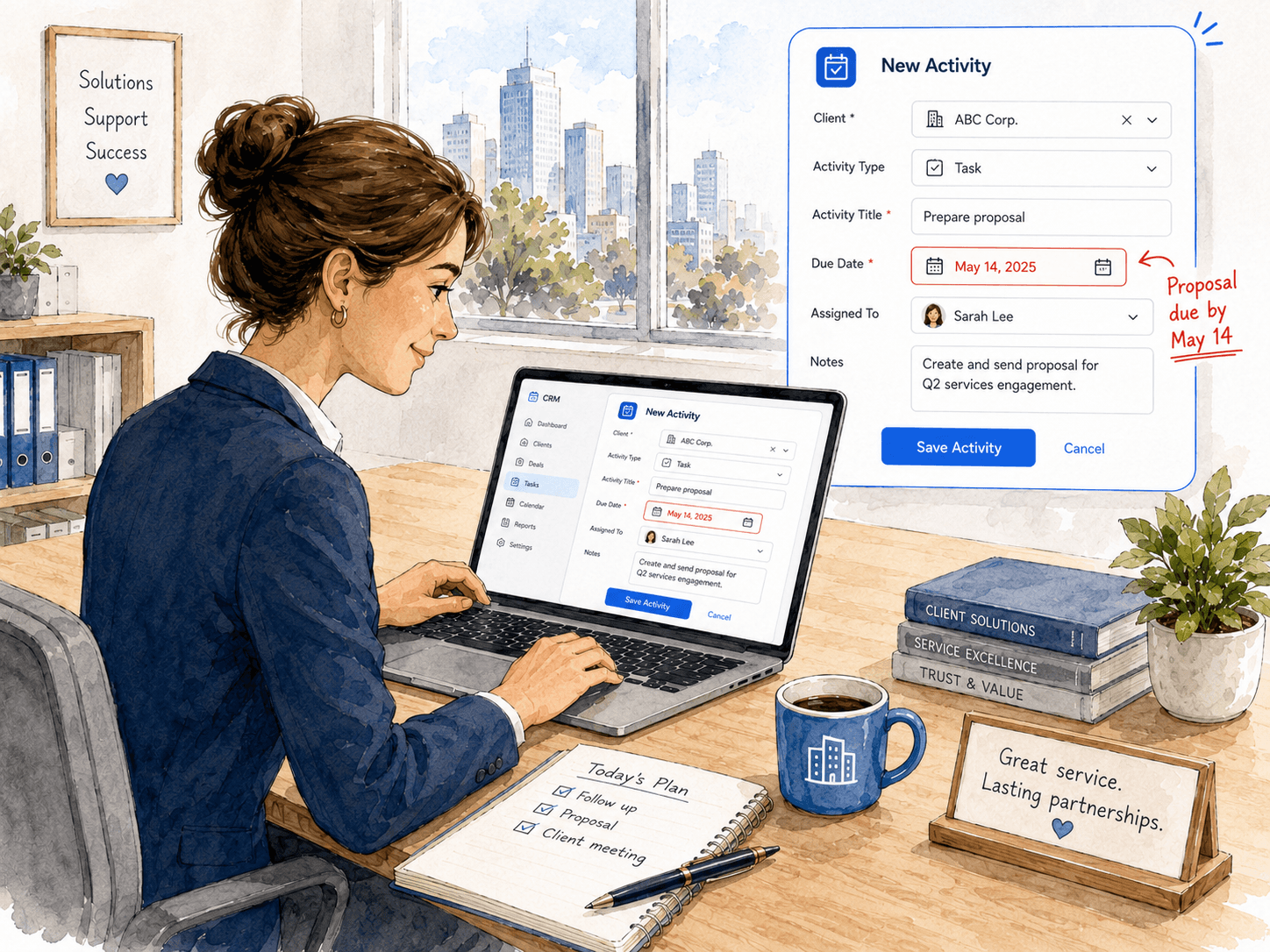
Keep client structures, service Activities, responsible team members, deadlines and contextual communication connected in Akeye.
BUSINESS SERVICES use case
Make team Activities and current workload easier to follow
Coordinate assigned Activities, deadlines, statuses, reminders and team calendar views for business service operations.
BUSINESS SERVICES use case
Shape operational data around the business you actually run
Model business structures with Macro and Micro Units, configurable parameters, relations, Activities, contacts and Documents.
A few useful answers
Does Custom mean every workflow is already built?
No. The platform provides flexible building blocks, while industry-specific catalogs, access and features vary. We’ll verify the fit of your workflow and identify configuration or development needs.
Can we start with one process?
Yes. A focused conversation about one team or recurring process is a useful starting point. We can review your structure, data, responsibilities and plan requirements together.
How does Akeye organize client work?
Teams can structure client or business-unit records, add the details they need, and connect Activities, deadlines, responsible people and messages to that operational context.
Can Akeye remind a team about client follow-ups?
Yes. Follow-ups can be organized as scheduled Activities or reminders so the responsible person can see the client context and the next step.
Can work be assigned with deadlines?
Yes. Activities can define what needs to happen, who is responsible and when it is due, with notes and supporting context kept alongside the work.
Does communication stay connected to the client?
Akeye supports contextual communication so decisions and updates can remain linked to the relevant client, unit or Activity instead of being isolated in separate chat threads.
Tell us how your work really works.
A spreadsheet, a recurring task or a process you’d like to simplify is enough to start the conversation.
Let’s talk about your workflow